VideoOrganizer
Keep your YouTube playlists tidy on iPhone and iPad. Sign in with your Google account, and every change you make is saved to your YouTube account. Nothing happens unless you do it.
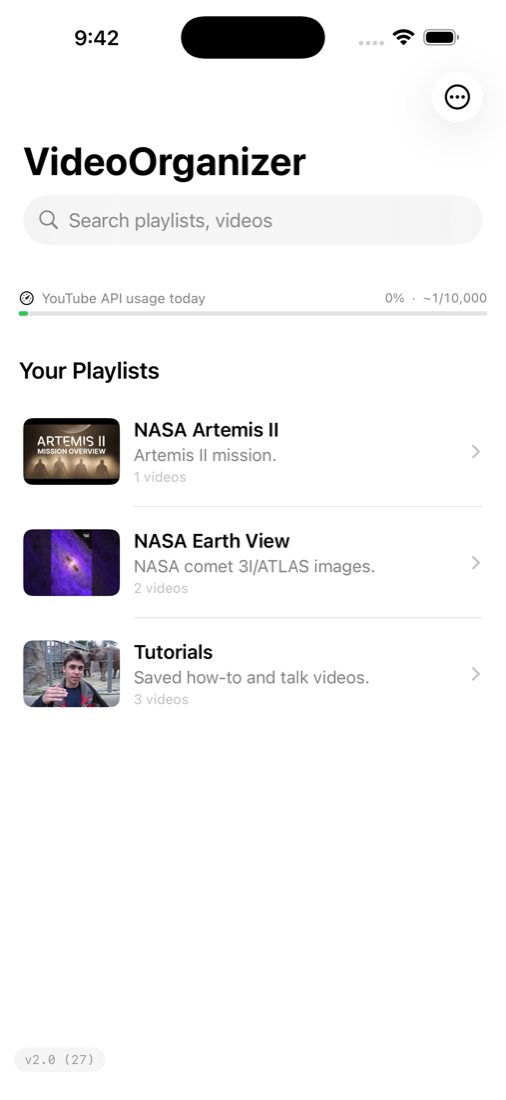
All your playlists in one fast list
Search across playlist names, video titles and channels. Sort by newest, oldest, title or number of videos. Create playlists (type or dictate the name), rename them, and delete them with a 10-second Undo.
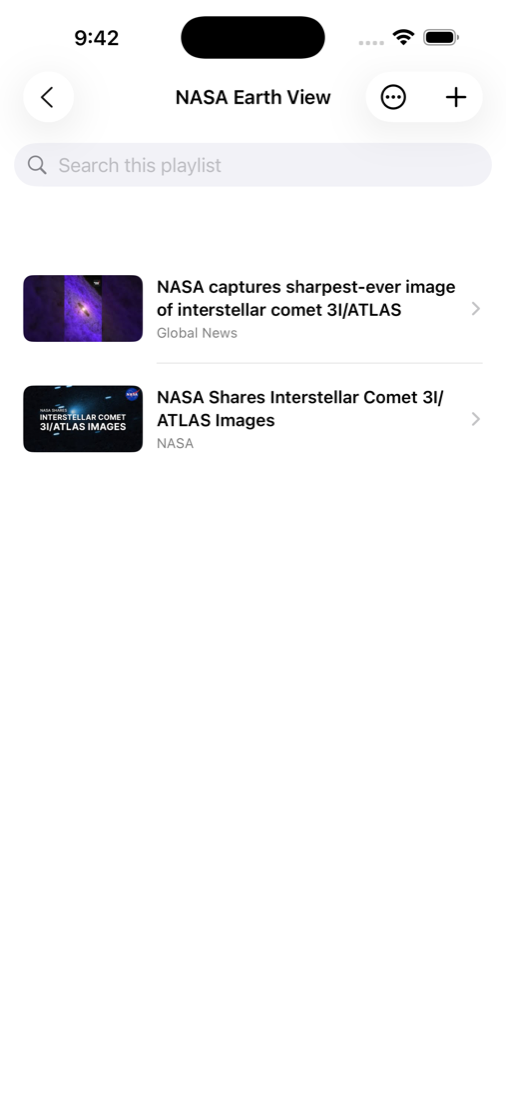
Organize the videos inside
Paste a YouTube link to add a video. Long-press a video to move it to another playlist or delete it, swipe to delete, or drag to reorder. Search within a playlist.
Play, loop and slow down
Play videos in YouTube's embedded player inside the app, loop a section between two points, and change the speed from 0.25× to 2×. Copy or share any video's YouTube link.
VideoOrganizer uses YouTube API Services and is not affiliated with or endorsed by YouTube or Google.